No download. No sign-up. A free piano game you can play right in your browser. Just press the keys as the notes fall, and you can play a whole song without reading a single note of sheet music. Works on phones and computers.
Sound is on. On a phone, turn your screen sideways for a wider keyboard.
Free to play. Start above.
How to Play
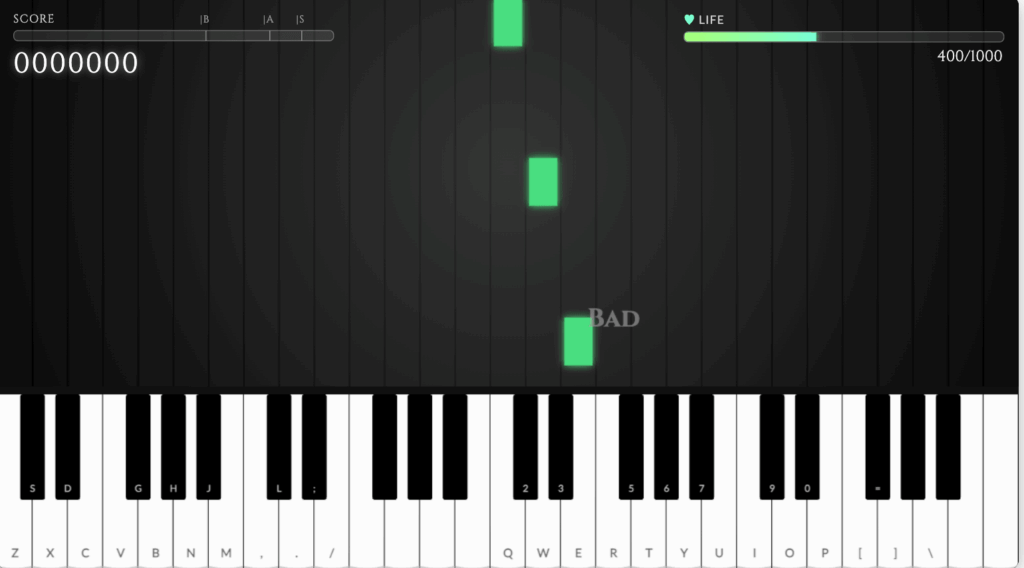
There are only three steps.
- Pick a song
- Notes fall toward the keyboard from the top of the screen.
- Press the key as the note lands: tap on a phone, or click with the mouse or use your keyboard on a computer.
You never need to read music. Where the note lands is exactly the key you press.
One Hand and Two Hands
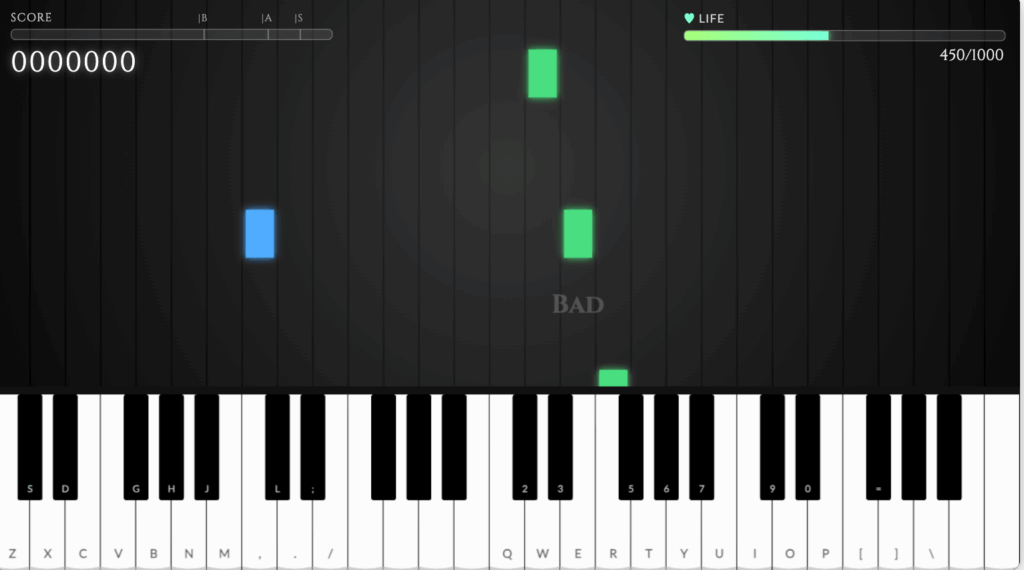
Before you pick a song, you can switch between One Hand and Two Hands.
- One Hand: press only the green notes (the melody). The accompaniment plays by itself. Start here if this is your first time.
- Two Hands: blue notes (the accompaniment) fall on the left side of the screen as well.
Even in Two Hands mode, your left hand only ever presses one key. That single key plays the whole chord, so you never have to hit three keys at once.
On a real piano, the first wall most beginners hit is getting the two hands to move independently. Here, your left hand uses a single finger, so you can ease into the feeling of playing with both hands.
Playing with Your Computer Keyboard
On a computer, the keyboard is far quicker than clicking. The letters printed on the on-screen keys are the keys you press.
- Right hand (melody): white keys Q W E R T Y U I O P, black keys 2 3 5 6 7 9 0
- Left hand (chords): white keys Z X C V B N M, black keys S D G H J
The upper rows are the higher notes and the lower rows are the lower notes, laid out the same way as the keyboard on screen. There is almost nothing to memorize.
Click the game once, then press a key. The game runs inside an embedded frame, so it has to be clicked before it receives your keystrokes.
Turn off silent mode on your phone and reload the page. Some browsers also stay muted until you tap the screen once.
What Makes This Piano Game Different
You don’t need to read music
Without learning a single note name, you can play a song from beginning to end just by pressing the keys as the notes arrive. Even if you have never touched a piano, your first song comes together straight away.
No download, no account
There is nothing to install and nothing to sign up for. The moment this page loads, you can play.
Works on phones and computers
Any browser will do, on a phone, tablet or computer. On a phone, turning the screen sideways gives you a much wider keyboard. On a computer you can also play with the keyboard.
The same key layout as a real piano
Most rhythm games give you four to six lanes to tap. This one is built on the actual layout of a piano keyboard.
That means the finger movements you pick up here carry straight over to a real instrument. As you play, you naturally start to learn where each note lives.
Start with one hand, move up to two
A single button switches between following the melody with your right hand and adding the left-hand accompaniment. You can make the same song harder in stages, so there is always a next step once a song feels easy.
Recorded from a real grand piano
The sound is not synthesized. Every note comes from a Steinway grand piano, recorded one key at a time. Chords ring the way they do on a real instrument.
Songs
Three songs are available right now, all free.
- Frog Song (Easy): the notes move step by step, which makes it a gentle first song.
- Canon (Normal): Pachelbel’s Canon. The relaxed tempo also makes it a good place to try Two Hands mode.
- Happy Birthday (Normal): a melody everyone already knows, so the rhythm is easy to feel.



Will a Piano Game Actually Make You Better?
The honest answer is that some things carry over and some things don’t.
What it builds
A feel for where the keys are, the rhythm of moving your fingers, and a memory of how the song flows. Those three genuinely improve. Connecting a pitch to a position on the keyboard is one of the slowest things to pick up on your own, so getting used to it here is worth the time.
What it doesn’t
Reading sheet music, correct hand shape, dynamics, and pedaling. Those need real sheet music and a real instrument.
Where a piano game really earns its place is as the thing that gets you to the point where you can keep going. It skips the two moments where most people quit: not being able to read music, and not being able to play anything yet.
Frequently Asked Questions
Is it really free?
Yes. No purchases, no account, no limits on how many times you play.
Can I play on a phone?
You can. The keys get cramped on a narrow screen, so turning your phone sideways is worth doing.
Can I use my computer keyboard?
Yes. Your right hand uses Q W E R T Y U and your left hand uses Z X C V B N M. The letters are printed on the on-screen keys so you can read them as you play. If nothing happens, click the game once first.
Isn’t playing with both hands hard?
Your left hand only presses one key and that key sounds the whole chord, so the jump is smaller than it looks. Learn a song in One Hand mode first, then play the same song again in Two Hands mode.
I can’t hear anything
Turn off silent mode on your phone and reload the page. If it is still silent, try a different browser such as Chrome or Safari.
Can I connect my own digital piano?
Not in this browser version. If you want to play on your own instrument, use the VR version, Sigure. The notes appear over the keys of your real piano, and you play the game on the real keyboard.
Want to Play on a Real Piano?
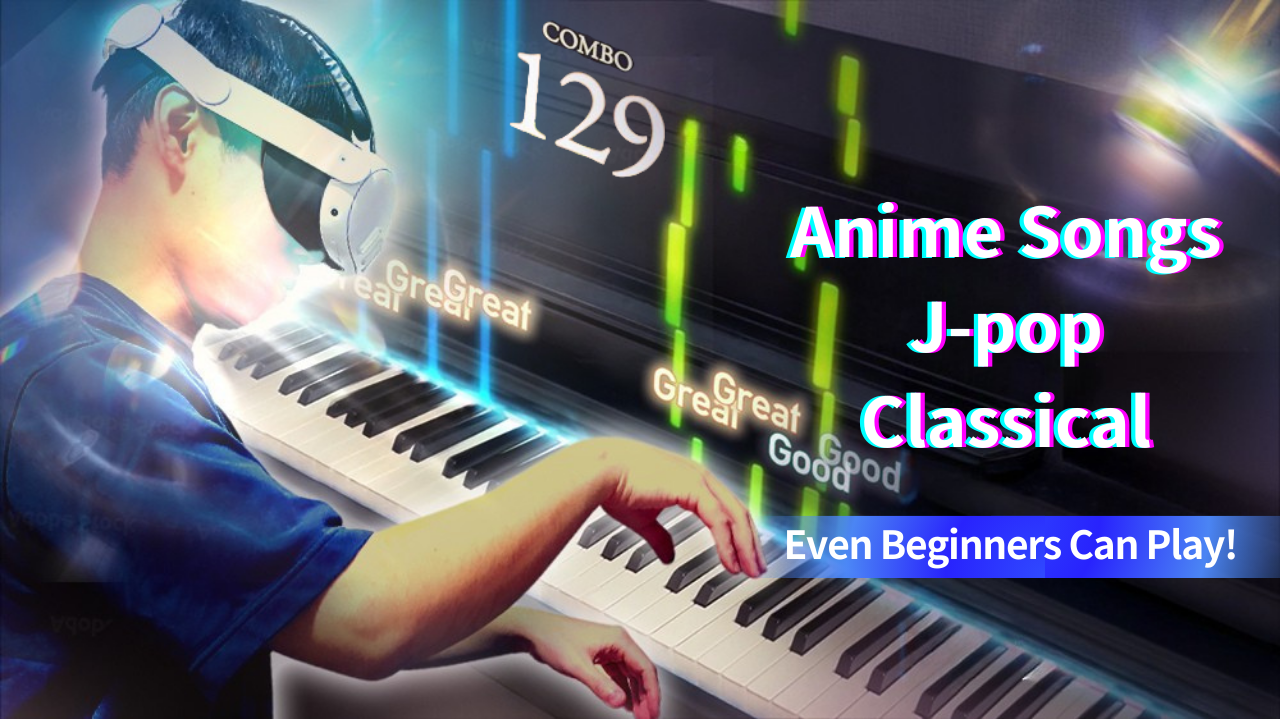
If you enjoyed the browser game, there is a VR version that does the same thing on an actual piano.
Put on a Meta Quest headset and the notes appear over the keys of the digital piano in front of you. Instead of tapping a screen, you play the rhythm game on real keys. That is the VR piano game Sigure.
Just Want to Press Keys Freely?
If you would rather play whatever you like instead of following a game, try our virtual piano. Five octaves, 61 keys, also free.
