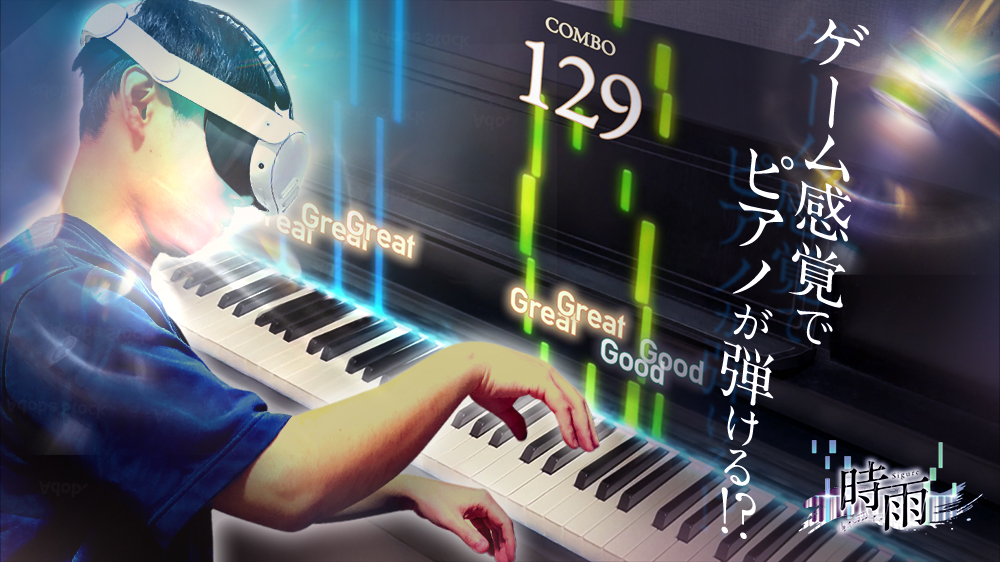
We’ve put together 13 free tools you can use for piano practice. They all run right in your browser, so there’s no app to install and no account to sign up for.
Open them on your phone, tablet, or computer, and start using them right where you are. There’s no usage fee.
Play
You can make sound right now, even without an instrument
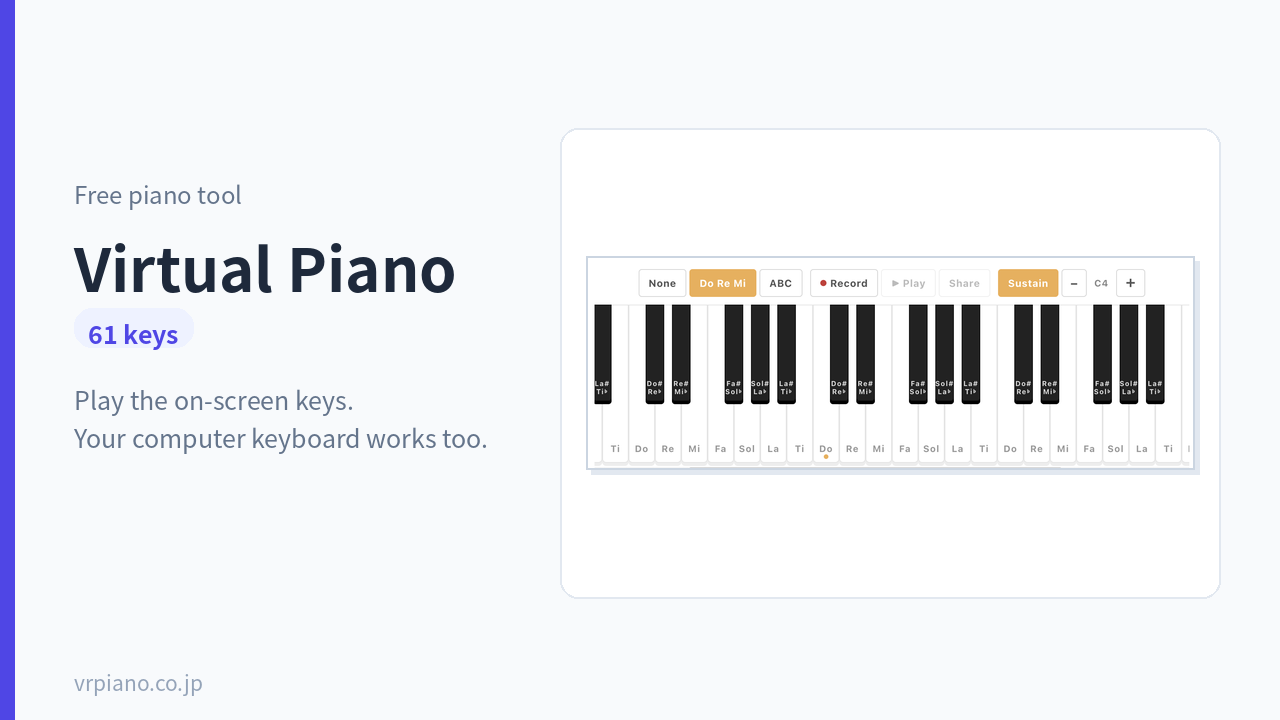
Virtual Piano61 keys
Play the on-screen keyboard as it is, or play using your computer keyboard. Record what you play and share it with a link. Perfect for days when you don’t have an instrument at hand.
Try it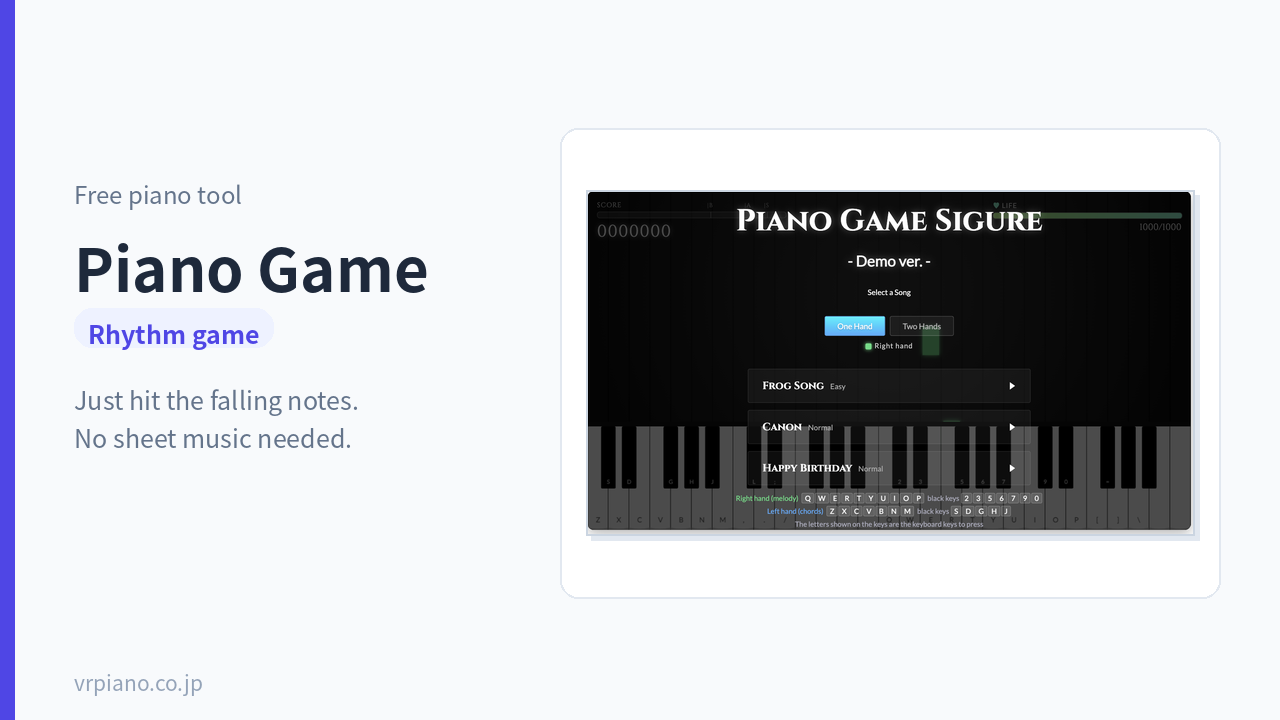
Piano GameRhythm game
Just press the keys in time with the notes scrolling by. You can play a song all the way through even without reading sheet music — a great entry point if practice hasn’t stuck for you before.
Try itTrain Your Ear
The ability to tell sounds apart can still grow, even as an adult
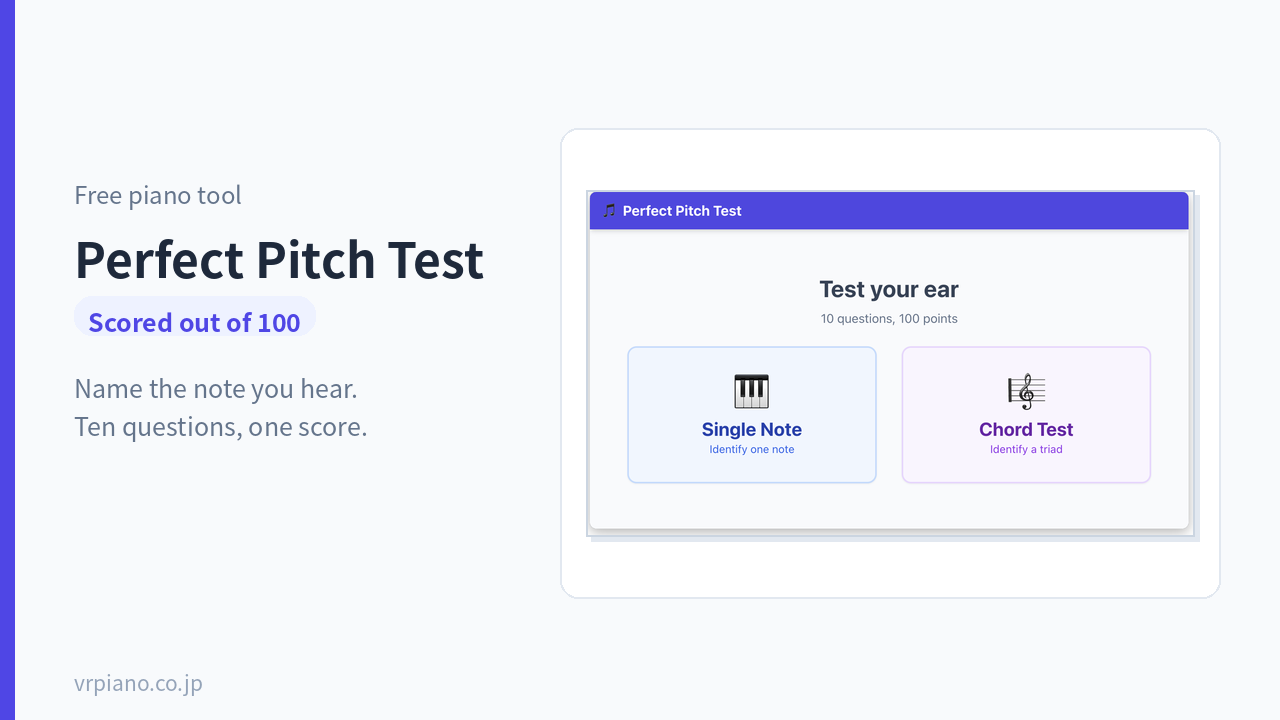
Perfect Pitch TestScored out of 100
Guess the note that’s played and get scored out of 100. Find out whether you have perfect pitch, with an explanation of how it differs from relative pitch.
Try it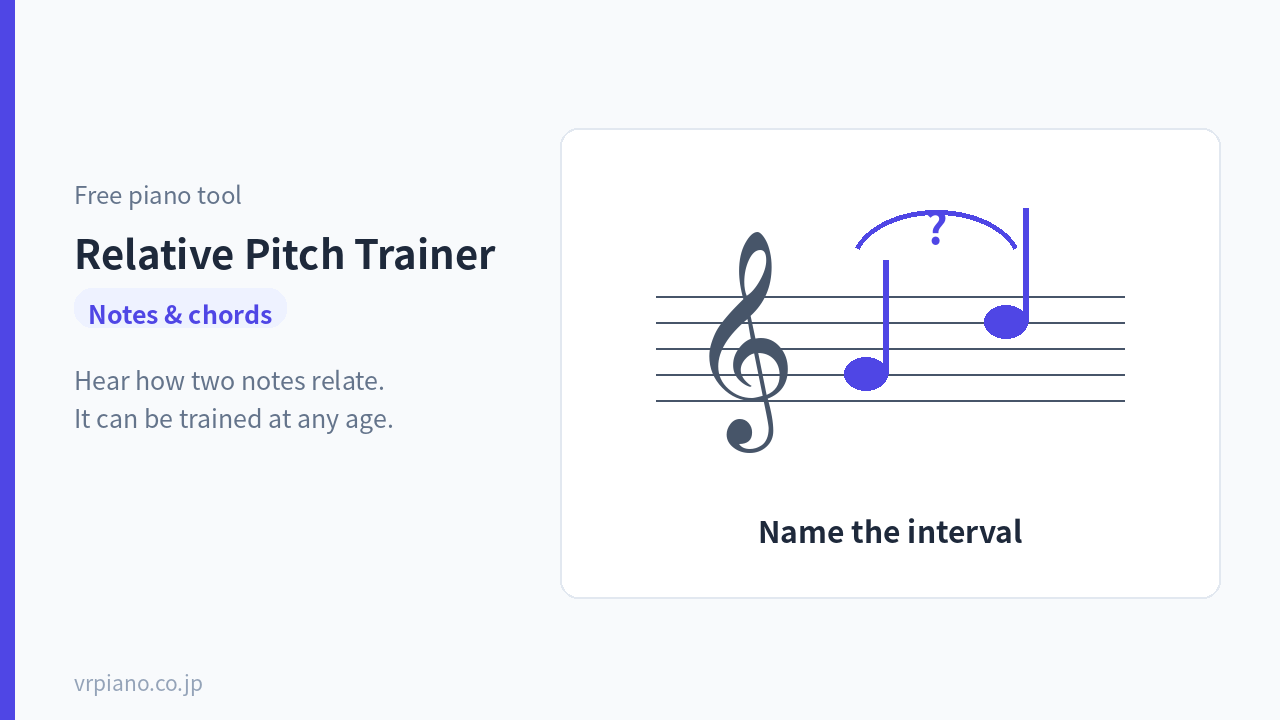
Relative Pitch TrainingNotes & chords
Practice hearing the relationship between two notes. Relative pitch can be trained at any age — start here if you want to learn to play by ear.
Try itRead Sheet Music
Keep going without learning to read it, and you’ll hit a wall sooner or later
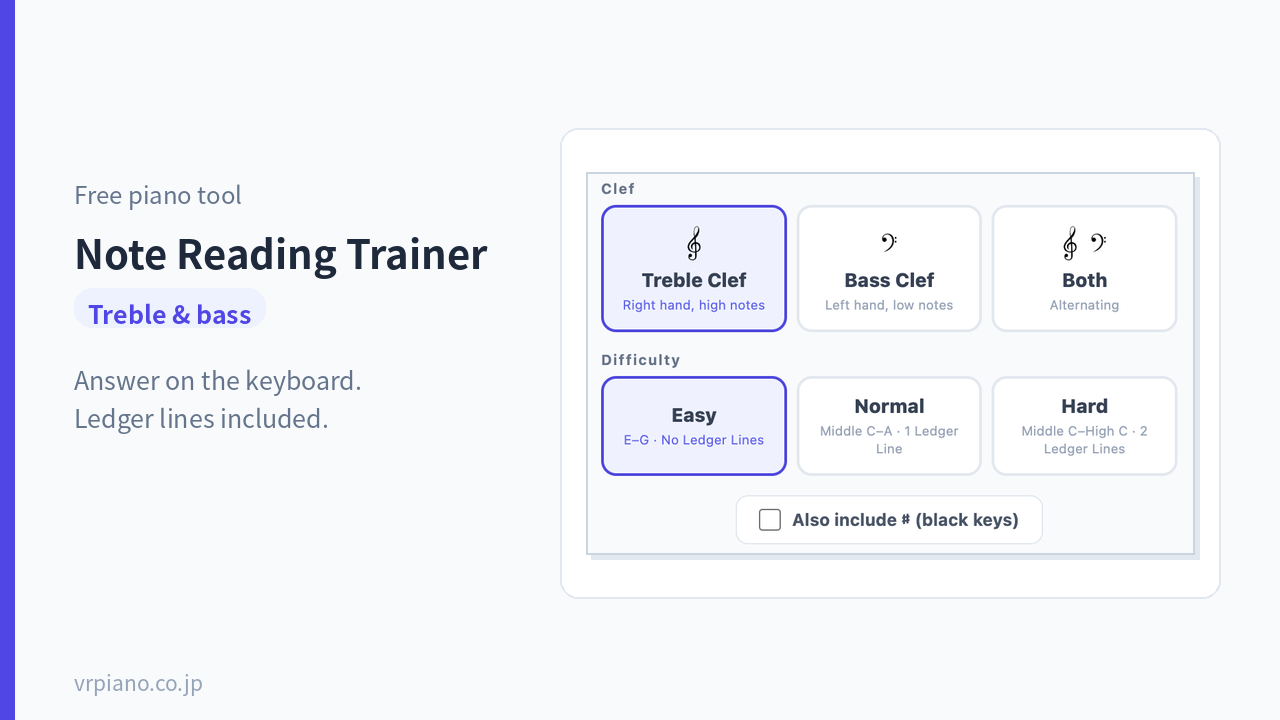
Note-Reading TrainerTreble & bass clef
Practice answering, on the keyboard, which note appears on the staff. It builds up step by step, all the way to notes on ledger lines. Ideal if you’re still counting each note one by one.
Try it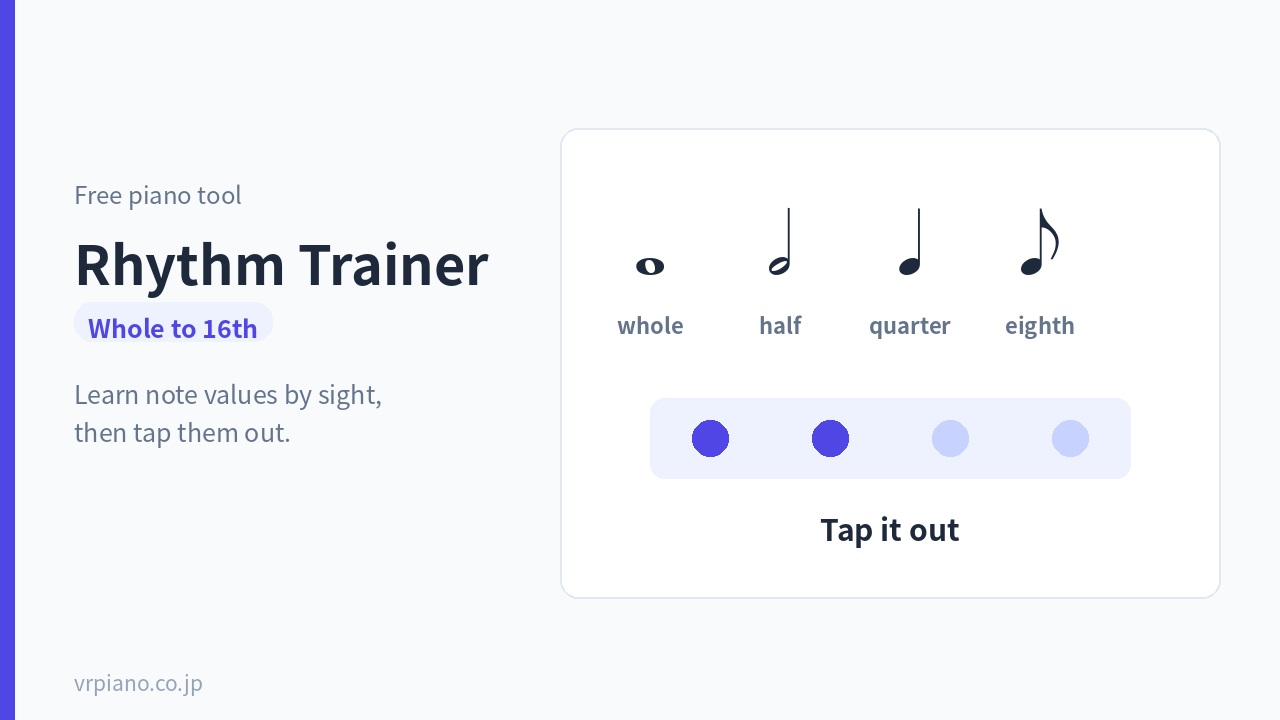
Rhythm TrainingWhole notes–16th notes
Practice note values two ways — answer by sight, or tap them out to check yourself. Comes with a quick-reference chart of note and rest values.
Try itShape Up Your Practice
The same amount of time can produce very different results, depending on how you use it
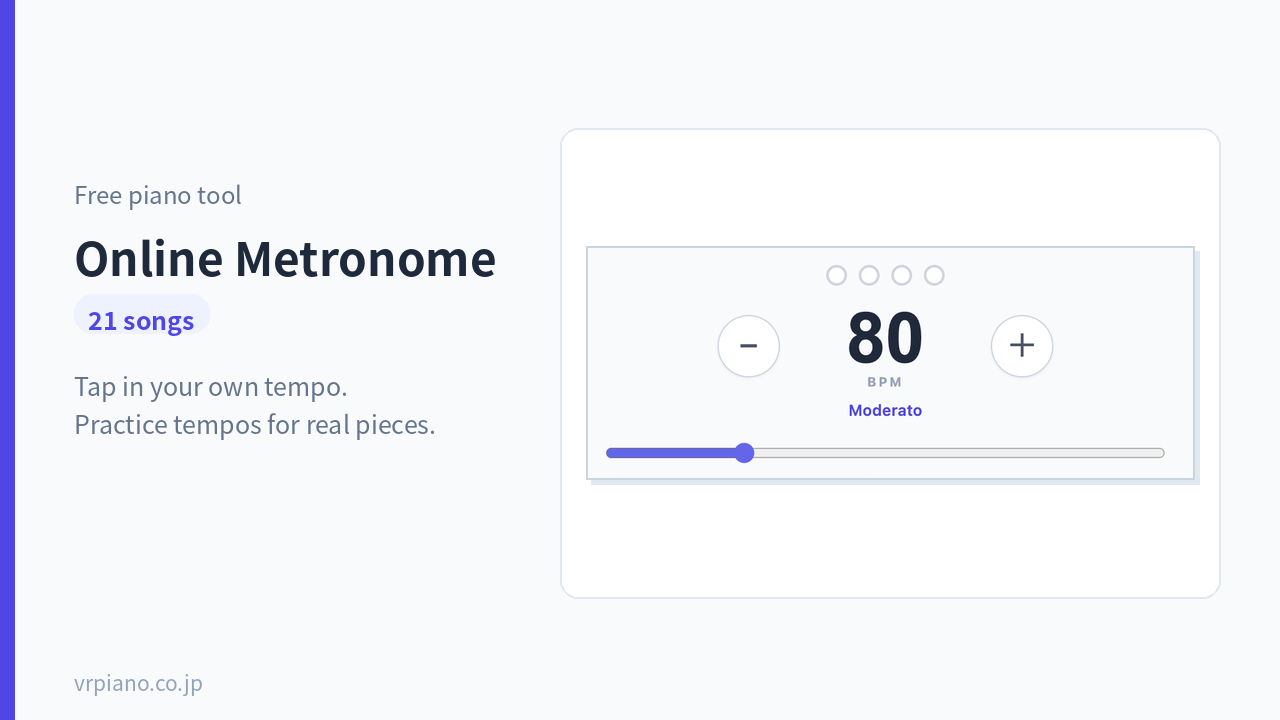
Online Metronome21 song tempos
A metronome that runs in your browser. Tap in a tempo, or set it to click on beat one only. Includes practice tempos for pieces like Canon in D and Für Elise.
Try it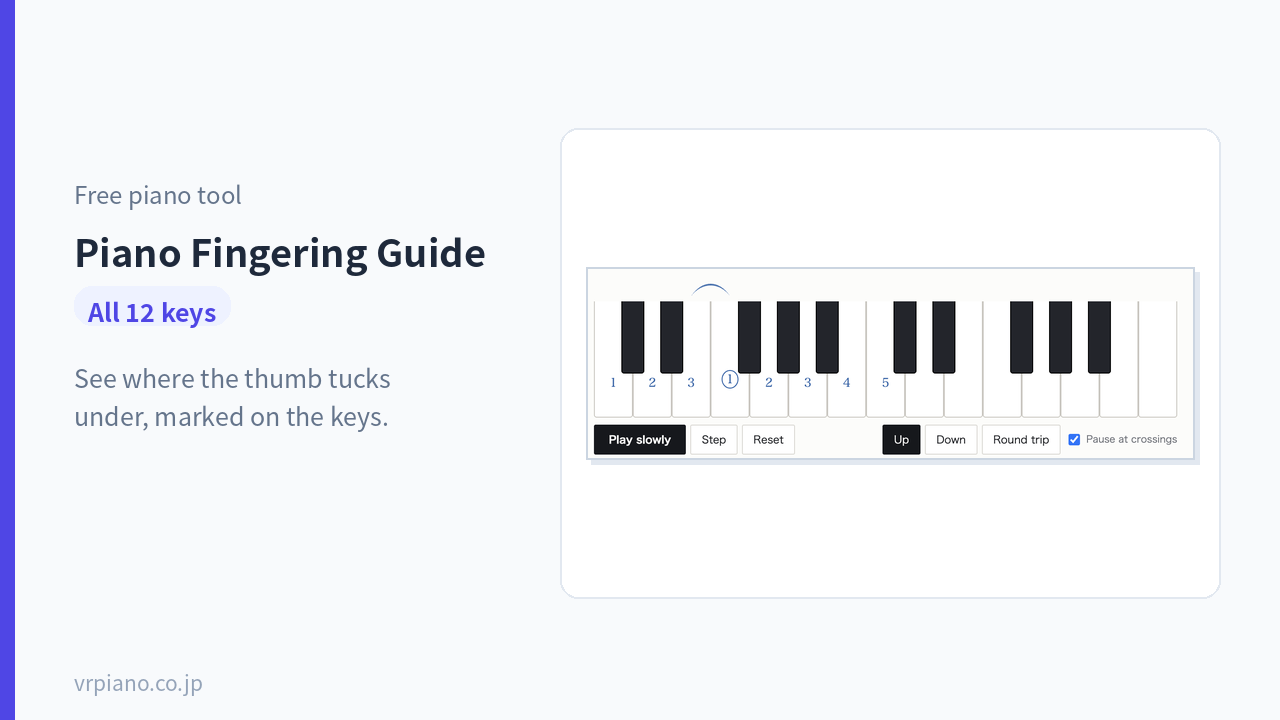
Piano Fingering GuideAll 12 keys
Shows scale fingerings right on the keyboard, with an arc marking exactly where the thumb tucks under. You can pause on each note to check it.
Try itLearn Music Theory
Once chords and keys click, the number of songs you can play jumps fast
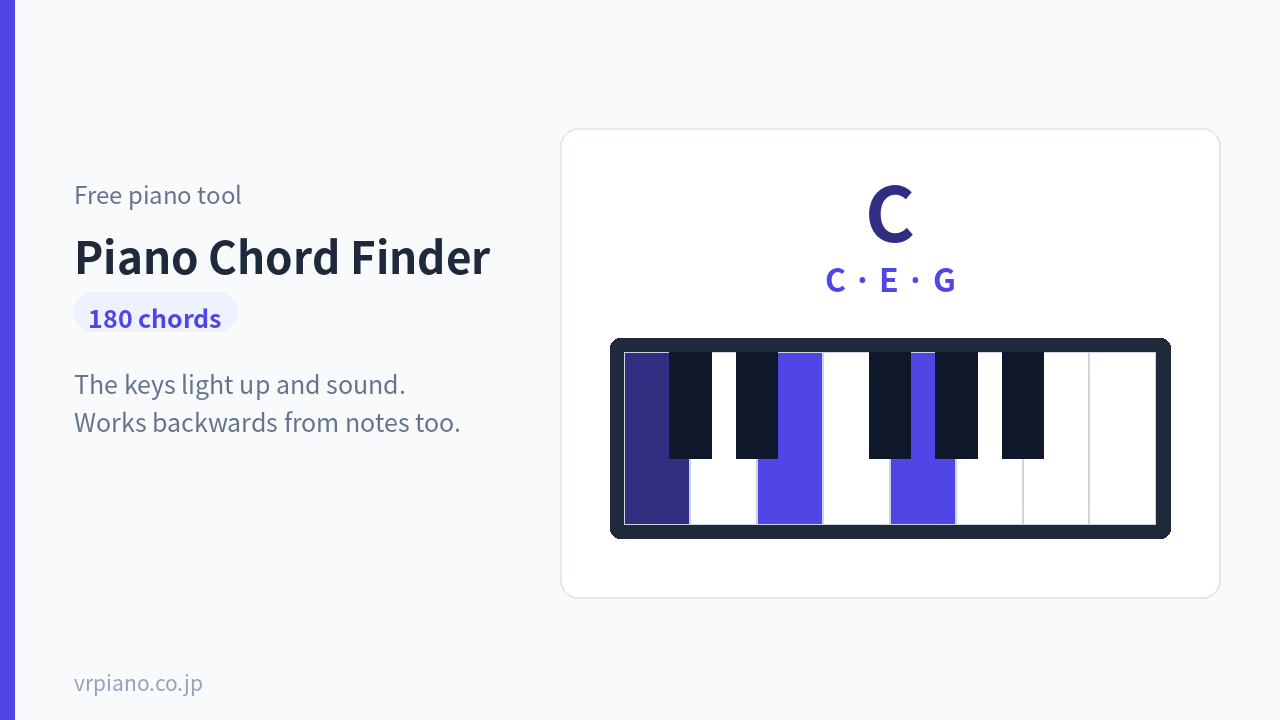
Piano Chord Finder180 chords
Pick a chord name and the keys to press light up and play. You can also work the other way — find the chord name from the notes you’re pressing. Includes a printable chart PDF.
Try it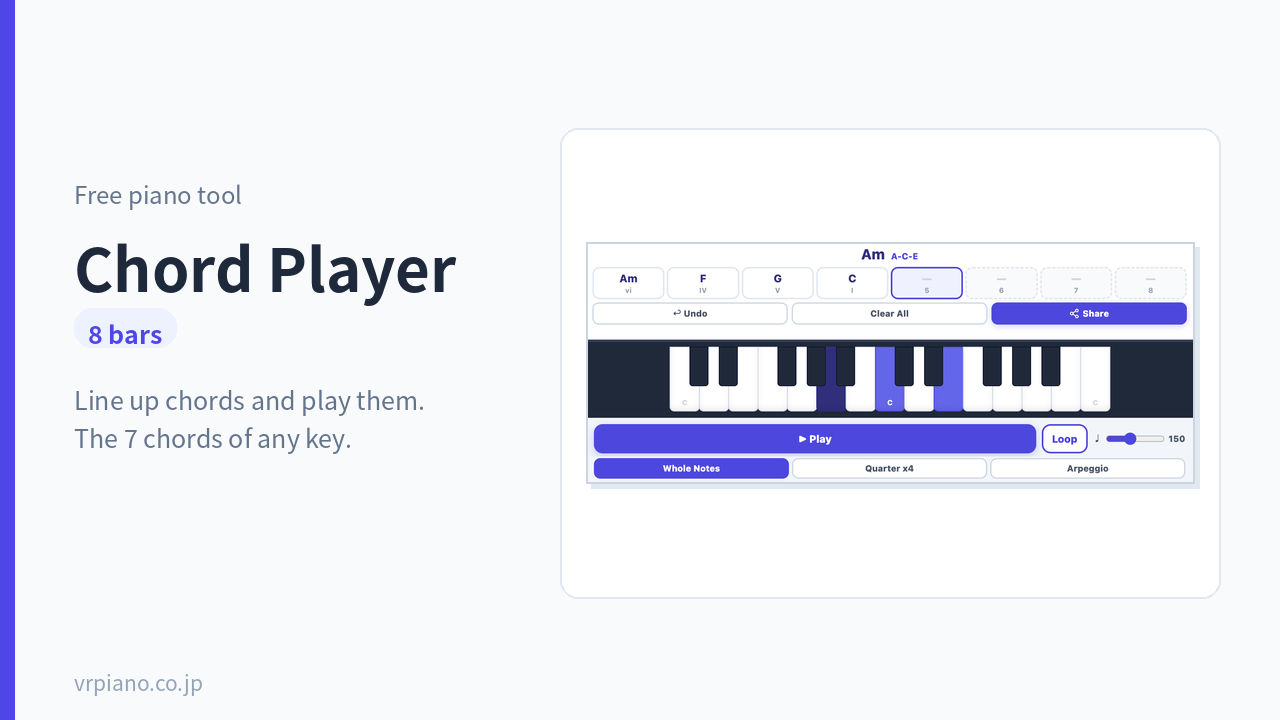
Chord Player8 bars
Line up chords and play them back. Pick a key and the 7 chords that belong to it appear automatically, so you can build a progression that works even without knowing the theory.
Try it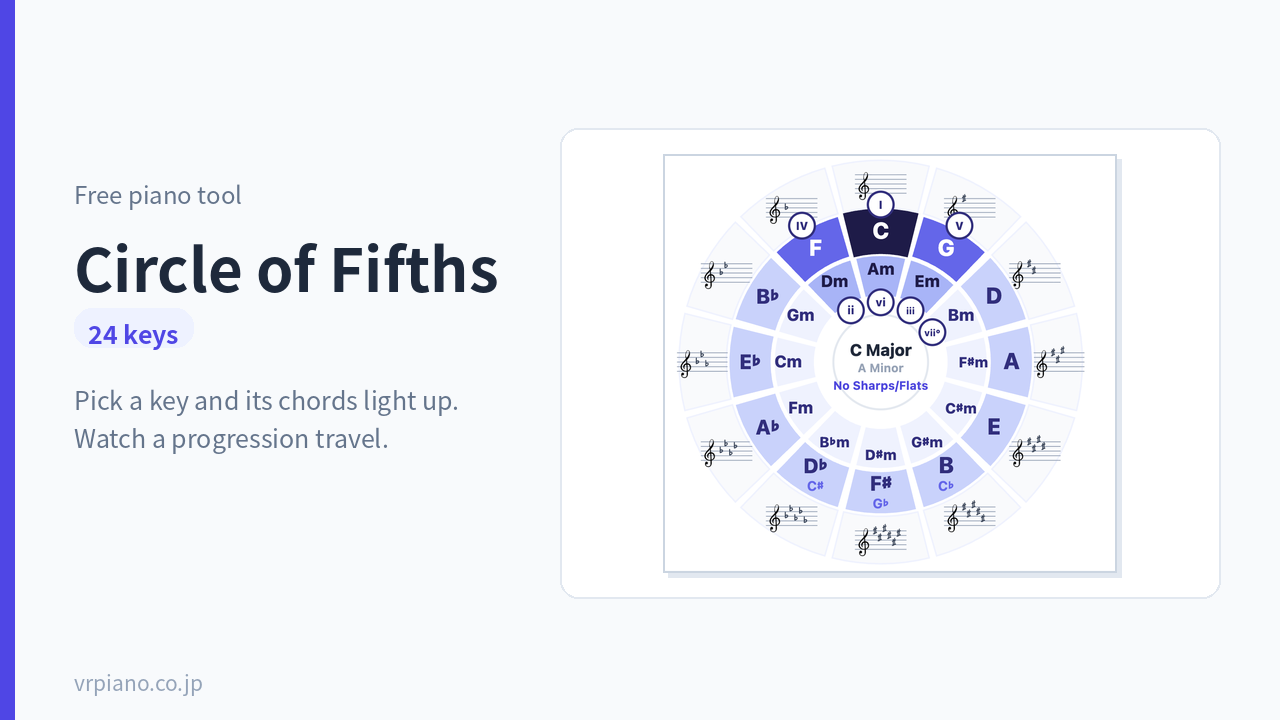
Circle of Fifths Tool24 keys
Choose a key and the chords that belong to it light up on the circle. Play a progression like the Canon progression and watch the light travel around the circle — see how far a modulation goes, at a glance.
Try itPrint and Use
For when you want to step away from the screen and practice on paper
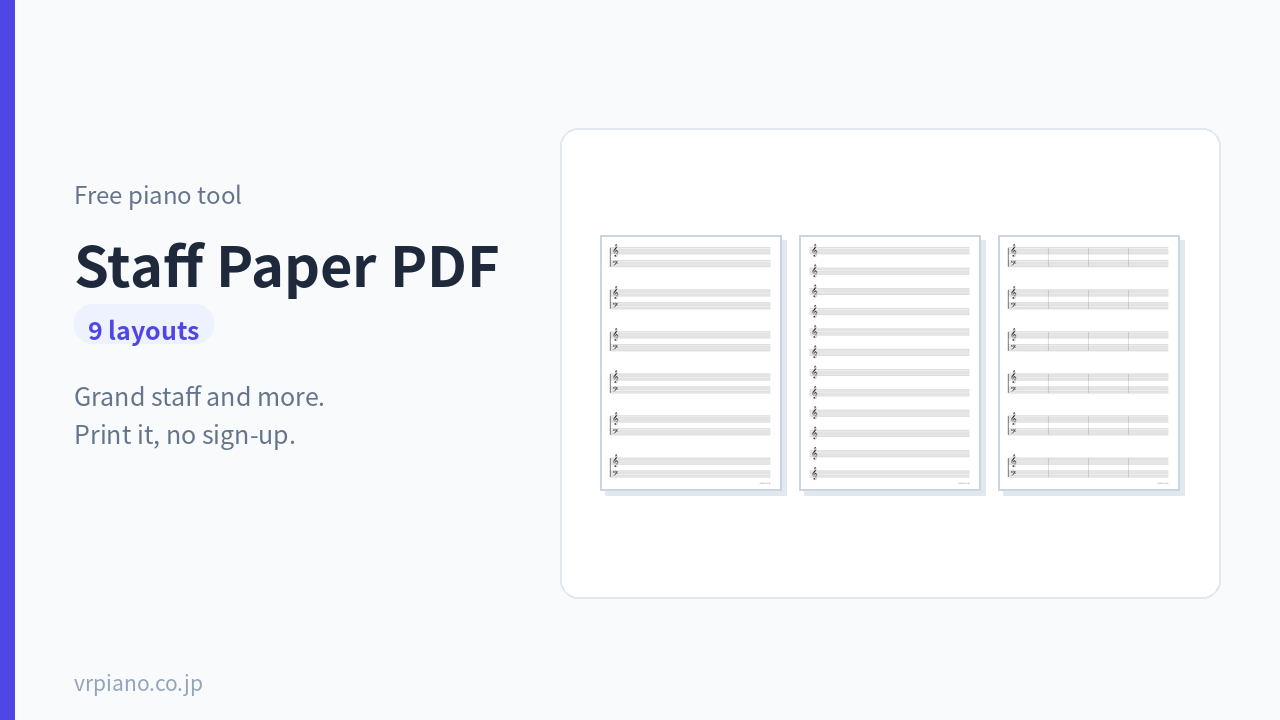
Staff Paper PDF9 types
9 types, mostly grand-staff paper for piano. Includes A4 and A3 sizes, plus versions without a clef. No sign-up needed — print it out right away.
Try it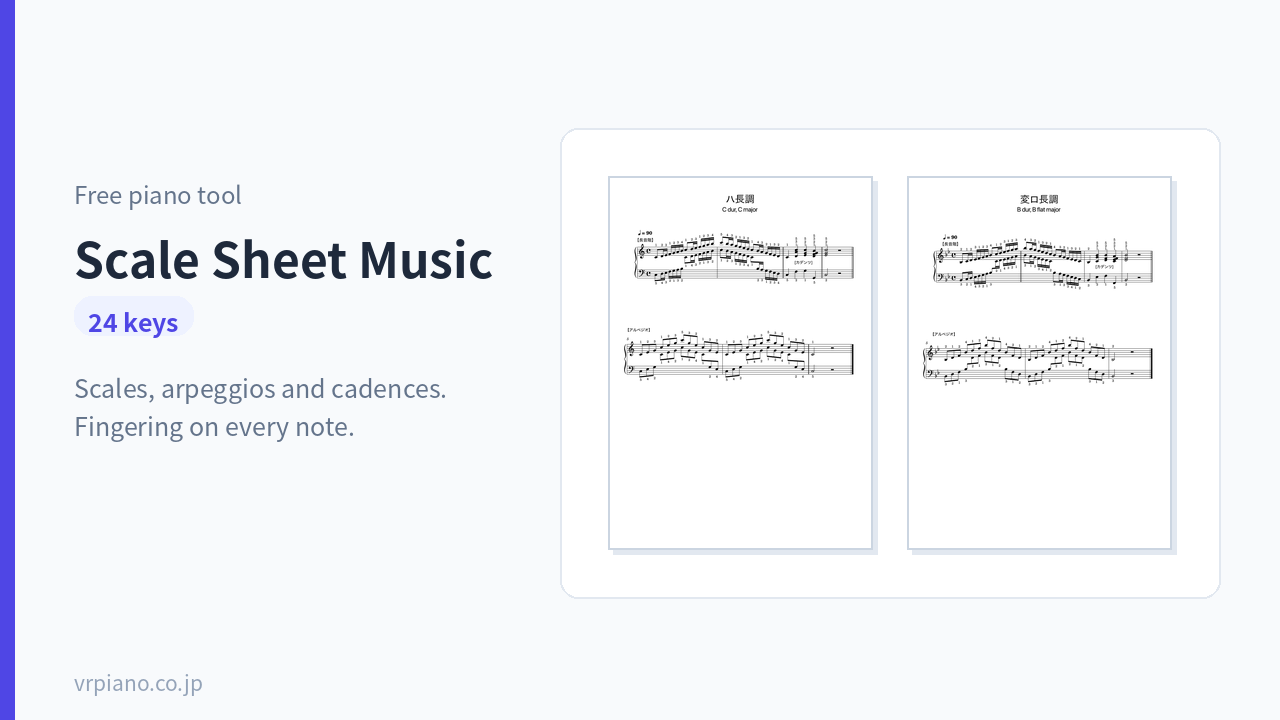
All-Key Scale Sheet Music PDF24 keys
Sheet music for the scales, arpeggios, and cadences of all 24 keys, with fingering marked on every note. Includes an explanation and reference chart for each key.
Try itFind One By What You Need
You don’t have to go through all 13 in order. Pick based on what’s tripping you up right now.
| If you… | Use this |
|---|---|
| Don’t have an instrument on hand | Virtual Piano |
| Want practice to actually stick | Piano Game |
| Want to check if you have perfect pitch | Perfect Pitch Test |
| Want to learn to play by ear | Relative Pitch Training |
| Can’t read sheet music | Note-Reading Trainer |
| Can’t keep a steady rhythm | Rhythm Training |
| Tempo keeps drifting | Online Metronome |
| Fingers tangle up, or unsure which finger to use | Piano Fingering Guide |
| Don’t know how to play a chord | Piano Chord Finder |
| Want to build an accompaniment or progression | Chord Player |
| Don’t understand key signatures or modulation | Circle of Fifths Tool |
| Want to write music down | Staff Paper PDF |
| Want to practice scales | All-Key Scale Sheet Music PDF |
Where Should I Start?
With this many tools lined up, it’s easy to feel unsure where to begin. Here are three starting points — work through them from the top and you’ll move forward without strain.
Just Starting Piano
1. Make some sound with the Virtual Piano
2. Learn note names with Note-Reading
3. Get used to the beat with the Metronome
Can Read Music, But Can’t Accompany
1. Learn how to hold chords with the Chord Finder
2. Line them up with the Chord Player
3. Change keys with the Circle of Fifths
Want Kids to Use It
1. Have fun with the Piano Game
2. Learn note values with Rhythm
3. Try writing on Staff Paper
How to Practice Piano Without Installing an App
There are plenty of piano practice apps out there, but you can run into friction before you even get to practicing.
- Installing takes time and eats up storage space
- You need to sign up or log in
- It says “free,” but you’re asked to pay partway through
- It works on your phone but not on your computer
Every tool on this page runs right in your browser. Open the URL and start right there — no matter what device you’re on. You can even start on a computer and pick up where you left off on your phone.
It’s worth bookmarking the ones you use often. On a phone, add one to your home screen and it opens just like an app (Safari: tap Share → “Add to Home Screen”; Chrome: open the menu → “Add to Home Screen”).
For Anyone Practicing Piano on Their Own
Self-teaching gets hard when you’re moving forward without knowing whether you’re doing it right. A teacher can correct you on the spot — on your own, there’s no way to check.
There are usually three spots where people get stuck:
- Can’t read notes
Counting each note one by one never turns into music. Note-Reading Training aims to get you recognizing notes at a glance. - Fingers get tangled
This is usually a case of ignoring fingering. Check where the thumb should tuck under with the Fingering Guide. - Tempo falls apart
You can’t tell on your own when you’re only slowing down at the parts you can’t quite play. A metronome makes it obvious.
Every one of these tools exists to let you check your own progress. Once you can see exactly where you’re falling short, self-teaching becomes workable.
Frequently Asked Questions
Is it really free?
Yes, completely free. No sign-up and no email address needed, and you’ll never be asked to pay partway through.
Can I use it on my phone?
Yes. Everything runs in the browser, so it opens the same way on a phone, tablet, or computer.
If you don’t hear any sound, turn off your device’s silent/mute switch and reload the page. Browsers wait for one tap on the screen before they’ll play any audio.
Can I use these without owning a piano?
Yes. The Virtual Piano lets you make sound by pressing the on-screen keys, and the note-reading, rhythm, and ear-training tools can all be done without an instrument too.
That said, building actual finger technique still requires a real keyboard. A screen can’t reproduce the weight or depth of real keys.
Can I use these in lessons or classes?
Yes. You’re welcome to use them in piano lessons or school classes. You can also print the PDFs for as many students as you need.
Please don’t repost the tools on other sites, or redistribute or sell the PDFs.
Can I start even if I can’t read sheet music?
Yes. The Piano Game just has you press the notes as they scroll by, so you can play a song without reading sheet music at all.
Once you’re ready to learn to read music, move on to Note-Reading Training. Either order works fine.
In Short
- 13 tools in all. No installs, no sign-ups — open one and start using it right away
- Not sure where to start? Check the Find One By What You Need table — pick by what’s tripping you up
- Self-teaching usually stalls at notes, fingering, and tempo. There’s a tool for each
- Add the ones you use often to your home screen and they’ll open just like an app
If anything’s unclear once you try it, please let us know through the contact form — it helps us improve.